
How to plan a connected home
Fix the network before adding devices
Check broadband stability, router location and the signal at each intended device. An extender should be placed between the router and weak area, not inside a location where almost no usable signal reaches it.
Confirm whether setup requires 2.4GHz, 5GHz or both, and keep router firmware and passwords updated.
Check compatibility and subscriptions
Voice assistants, cameras and streaming devices depend on supported apps, accounts and regional services. Confirm that the television has the required HDMI input and that your preferred streaming apps are available.
Some features, cloud recording or content require separate subscriptions; include these in the long-term cost.
Treat privacy as part of setup
Change default credentials, enable available multi-factor authentication and review microphone, camera, recording and household-sharing controls. Place indoor cameras only where monitoring is appropriate and understood by household members.
Keep devices updated and remove account access before selling, gifting or disposing of them.
Quick comparison
| Product | Our pick for | Marketplace check | Details |
|---|---|---|---|
 Echo Dot 5th GenAmazon | Best voice-control hub | 13,300 ratings | View details → |
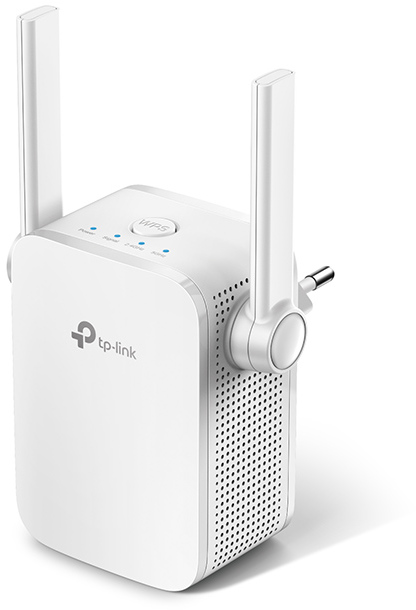 TP-Link RE305 ExtenderTP-Link | Best for Wi-Fi dead zones | 8,599 ratings | View details → |
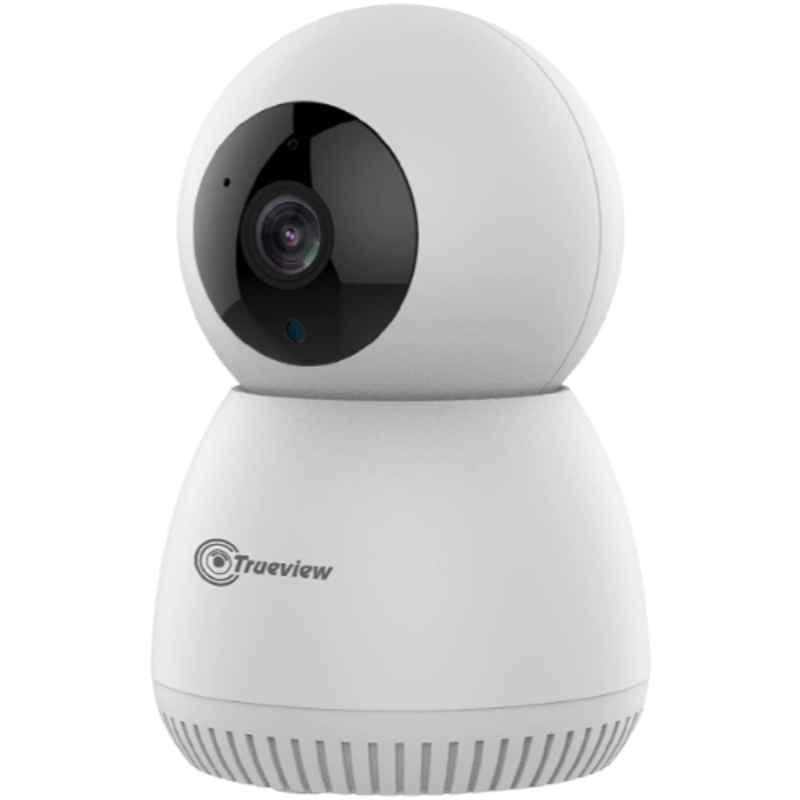 Trueview 3MP Wi-Fi CameraTrueview | Best for indoor monitoring | 1,300 ratings | View details → |
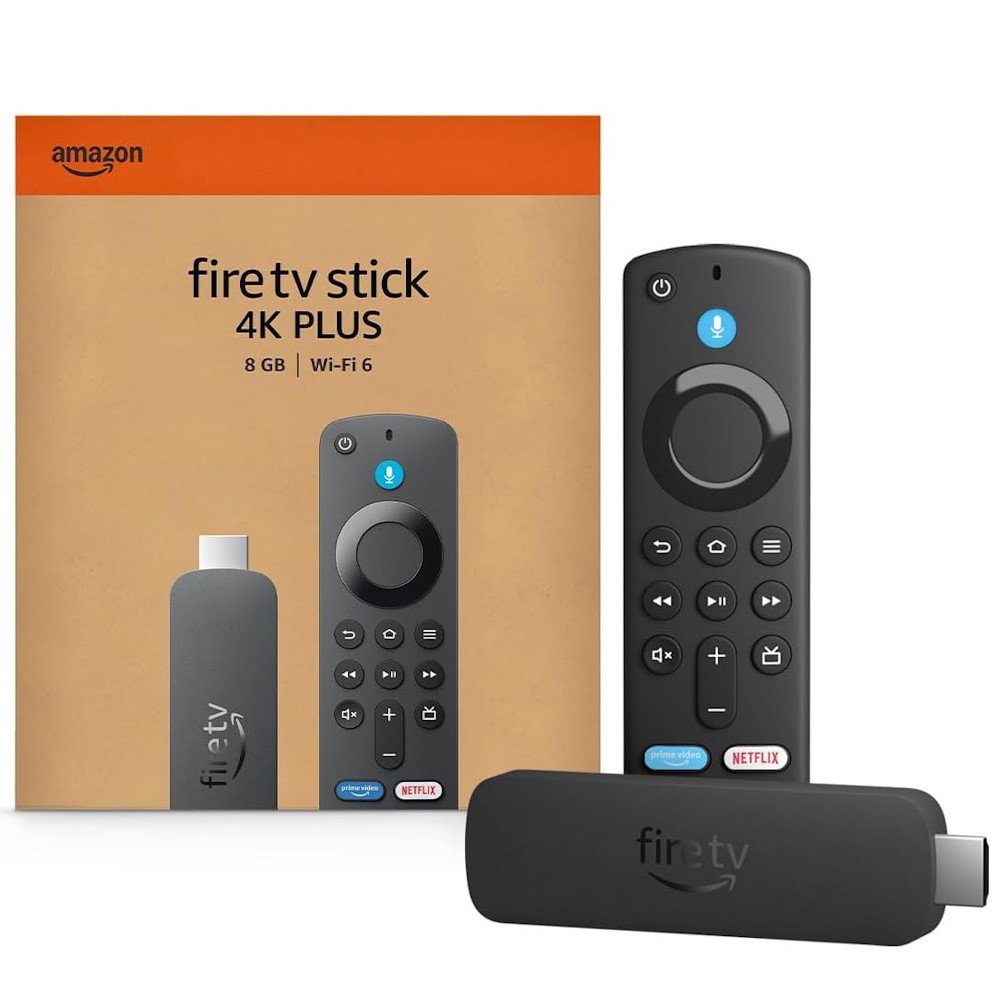 Fire TV Stick 4K PlusAmazon | Best for TV streaming | ✓ Limited dataCheck current ratings | View details → |
Ratings are marketplace snapshots and can change. Check the latest price, seller, variant, delivery and reviews on Amazon before buying.
Which one should you choose?
Best voice-control hub
Echo Dot 5th Gen
Alexa, motion detection and temperature sensing make it a flexible starting point for compatible smart-home routines.
- Alexa voice assistant
- Motion detection
- Temperature sensor
Best for Wi-Fi dead zones
TP-Link RE305 Extender
Dual-band extension can improve coverage in a weak area when it is positioned where the router signal is still usable.
- AC1200 dual-band Wi-Fi
- Ethernet port
- Signal indicator
Best for indoor monitoring
Trueview 3MP Wi-Fi Camera
Pan-and-tilt viewing, two-way audio and night vision suit indoor check-ins when privacy settings are managed carefully.
- 3MP video
- Pan-and-tilt view
- Two-way audio
Best for TV streaming
Fire TV Stick 4K Plus
A compact streaming upgrade brings major apps and 4K playback to a compatible television and broadband connection.
- 4K streaming
- Wi-Fi 6
- Alexa voice remote
A practical buying checklist
- 01Test Wi-Fi strength at the intended location.
- 02Confirm app, account, TV and voice-assistant compatibility.
- 03Review subscription and cloud-storage costs.
- 04Change default credentials and enable stronger account security.
- 05Review privacy controls with everyone in the household.
Helpful answers
Will a Wi-Fi extender increase internet speed?
It can improve coverage in a weak area, but it cannot exceed the broadband connection and may reduce throughput depending on placement and backhaul.
Does Echo Dot work without Wi-Fi?
Most Alexa features require an internet connection and an Amazon account. Limited Bluetooth use may still depend on initial setup.
Can Fire TV Stick make any TV smart?
The TV needs a compatible HDMI input, suitable power and supported display capability. Streaming also requires broadband and app accounts.
Are indoor Wi-Fi cameras secure?
Security depends on the device, updates, account protection and settings. Use unique credentials, stronger authentication where available and appropriate placement.
Where should I place a Wi-Fi extender?
Place it where it still receives a stable router signal while being closer to the weak area. Test several open, elevated positions away from major obstructions.