
Fix the right Wi-Fi problem
Test broadband and local Wi-Fi separately
Run a wired or close-range test near the router, then compare results in the weak room. If speed is poor everywhere, the broadband plan, line or router may be the issue; an extender cannot fix the incoming connection.
Record signal and performance at the actual work, TV and bedroom locations.
Placement determines coverage
Place a router centrally, openly and above floor level where possible. An extender belongs where the router signal is still stable—not inside the dead zone.
Walls, metal cupboards, appliances and neighbouring networks can reduce performance.
Understand the speed trade-off
Wireless repeating can reduce usable throughput because traffic must be received and retransmitted. Ethernet backhaul or a mesh system may be better for larger multi-floor homes.
AC1200 is a combined theoretical class, not a guaranteed single-device internet speed.
Quick comparison
| Product | Our pick for | Marketplace check | Details |
|---|---|---|---|
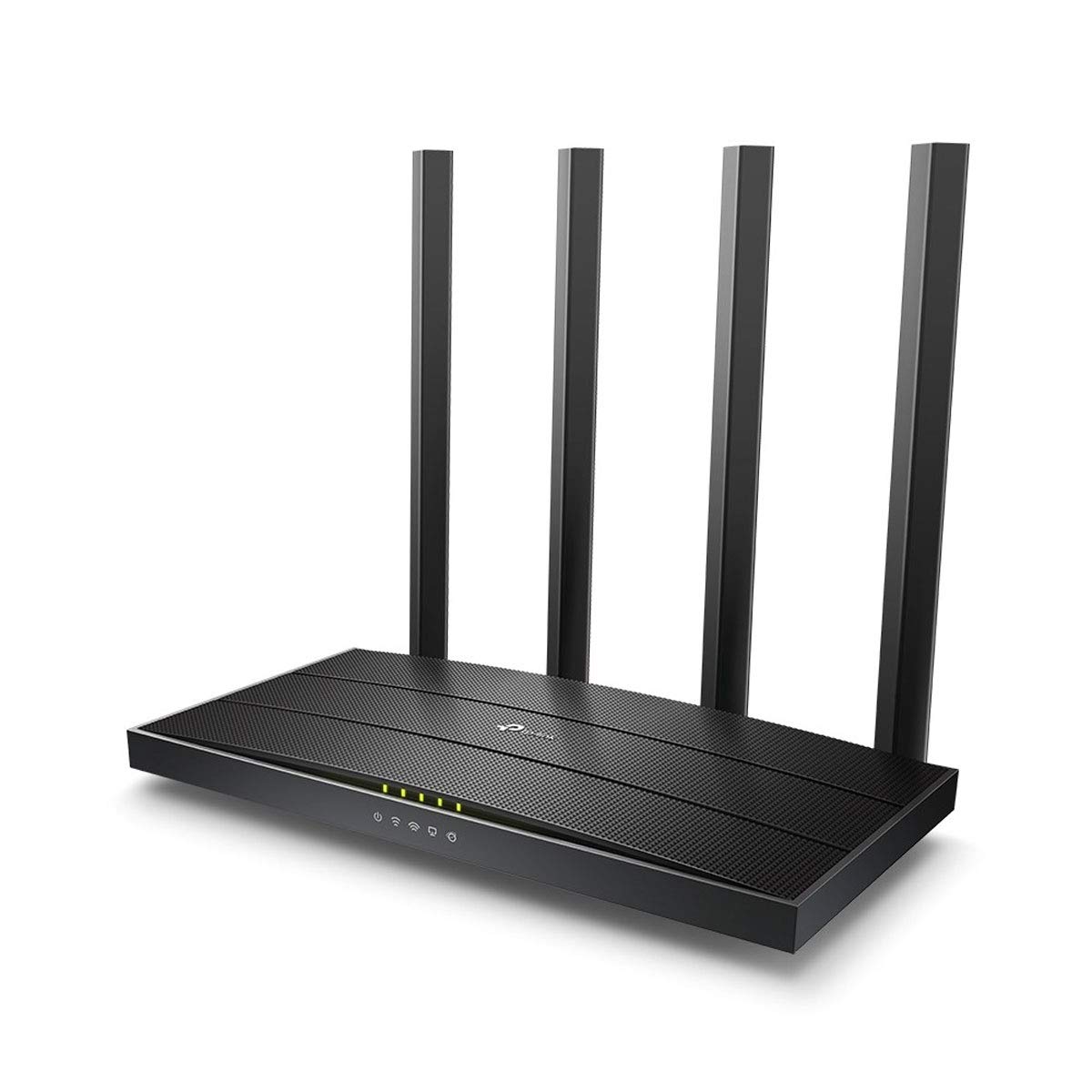 TP-Link Archer C6 RouterTP-Link | Best network foundation | 68 ratings | View details → |
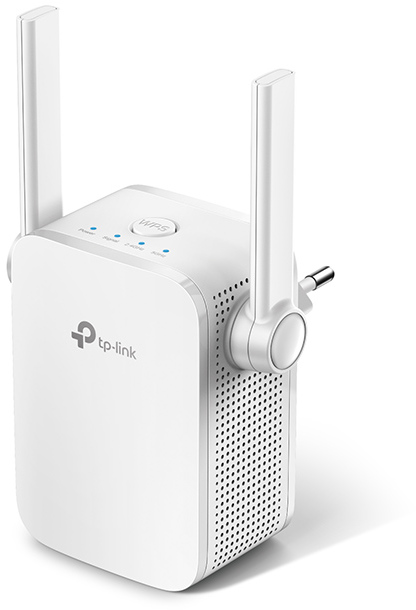 TP-Link RE305 ExtenderTP-Link | Best for one weak area | 8,599 ratings | View details → |
Ratings are marketplace snapshots and can change. Check the latest price, seller, variant, delivery and reviews on Amazon before buying.
Which one should you choose?
Best network foundation
TP-Link Archer C6 Router
Choose the Archer C6 when the existing router lacks suitable dual-band coverage, Gigabit Ethernet or device capacity.
- AC1200 dual-band Wi-Fi
- Gigabit Ethernet ports
- MU-MIMO and beamforming
Best for one weak area
TP-Link RE305 Extender
Choose the RE305 when the router is adequate but a room still receives a usable yet weak signal.
- AC1200 dual-band Wi-Fi
- Ethernet port
- Signal indicator
A practical buying checklist
- 01Test speed near the router and in the weak area.
- 02Confirm broadband plan and Ethernet port requirements.
- 03Plan open central router or midpoint extender placement.
- 04Check 2.4GHz and 5GHz device compatibility.
- 05Update firmware and use a strong unique Wi-Fi password.
Helpful answers
Do I need a new router or Wi-Fi extender?
Choose a router when the network foundation is inadequate; choose an extender when one area is weak but the router performs well nearby.
Will a Wi-Fi extender increase broadband speed?
No. It may improve coverage but cannot exceed the incoming connection and can reduce throughput while repeating.
Where should I place an extender?
Place it between the router and weak area where it still receives a stable router signal.
Is 5GHz always better than 2.4GHz?
5GHz can be faster with less range; 2.4GHz generally reaches farther. The better band depends on distance, walls and interference.